
Logo is an important element of any brand. It helps the business stand out and be remembered by everyone. If you want to successfully brand your business, you need to invest time in designing your own logo.
There are many online logo design software (also known as logo maker) on the market and are completely free, so designing a logo is not expensive. Here are the 8 best free logo design software on the market.
1. Logo Maker Zyro
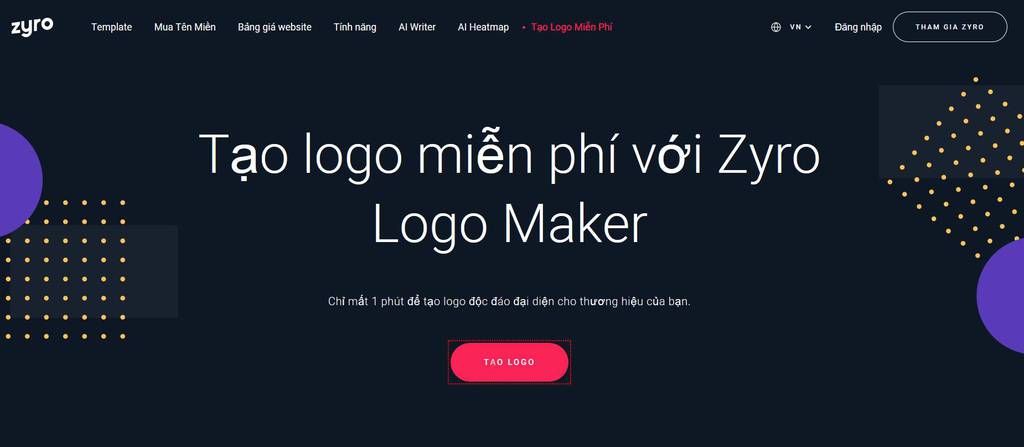
Zyro Logo Maker is not only one of the best free logo makers, but also very user-friendly and easy to use. Thanks to this tool, even if you are not a professional designer, you can still design a beautiful logo.
When you click the ‘Create your logo‘ button, you will be taken to the template page. The site is set up very basic and has thousands of icons to choose from. Designing online logos with Zyro is easy and flexible.
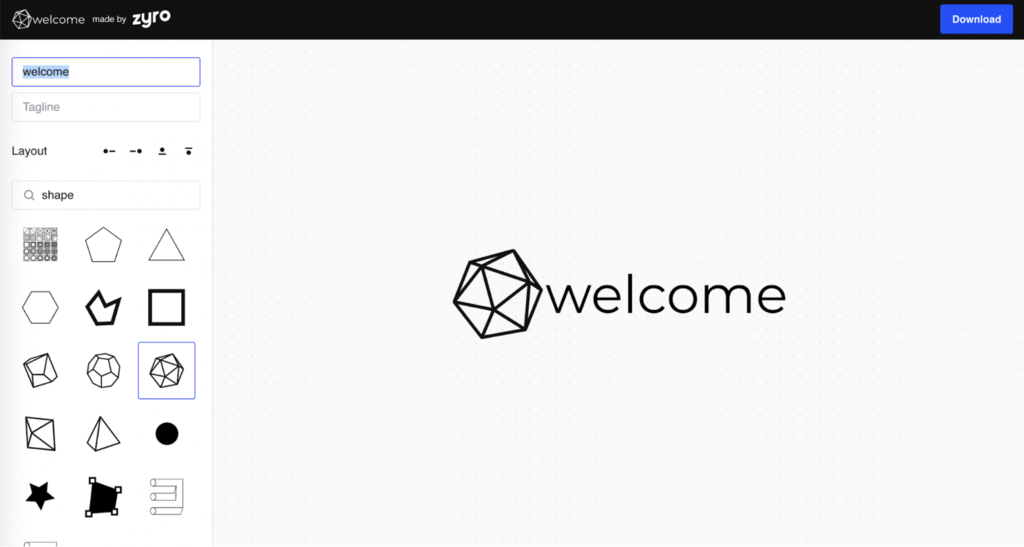
Logo design instructions are very specific and clear. You can choose the look and feel of your free logo by entering the shape or image you want. Then select the logo position by clicking on the 4 icons next to the word Layout.
You can browse through shapes, sizes, colors and fonts to create a logo that matches your brand. You can also download the logo instantly. It will be saved as a PNG file. Simple as that.
2. Visme
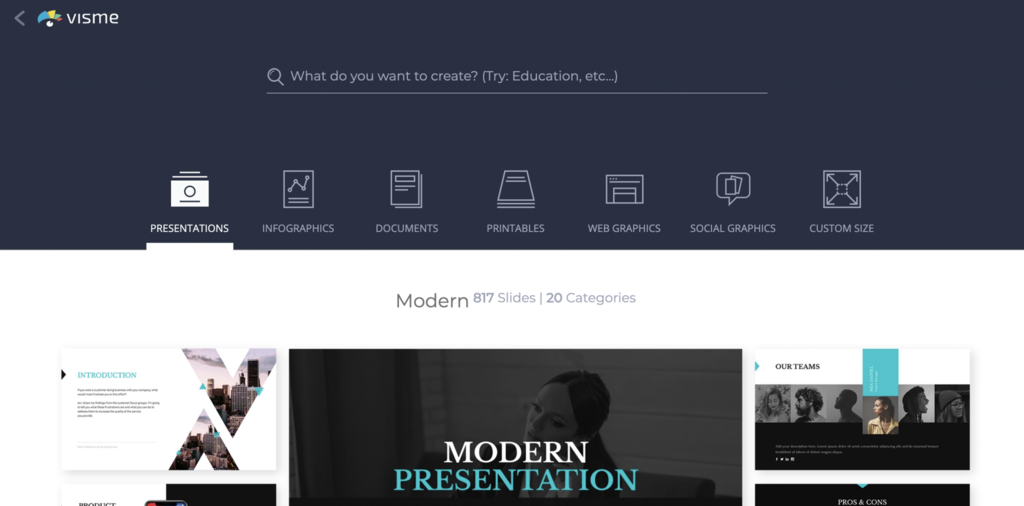
Visme has many online logo designs available to choose from and customize. Its logo design software has all the functions you need, like adjusting images, colors, fonts, etc.
The project also has a self-save mode for safety during the design process. In addition, the history menu shows all the layers and elements of your design.
Visme subscription is free, however, you need to upgrade from the Basic plan to Standard or Complete to use the Premium resources and templates.
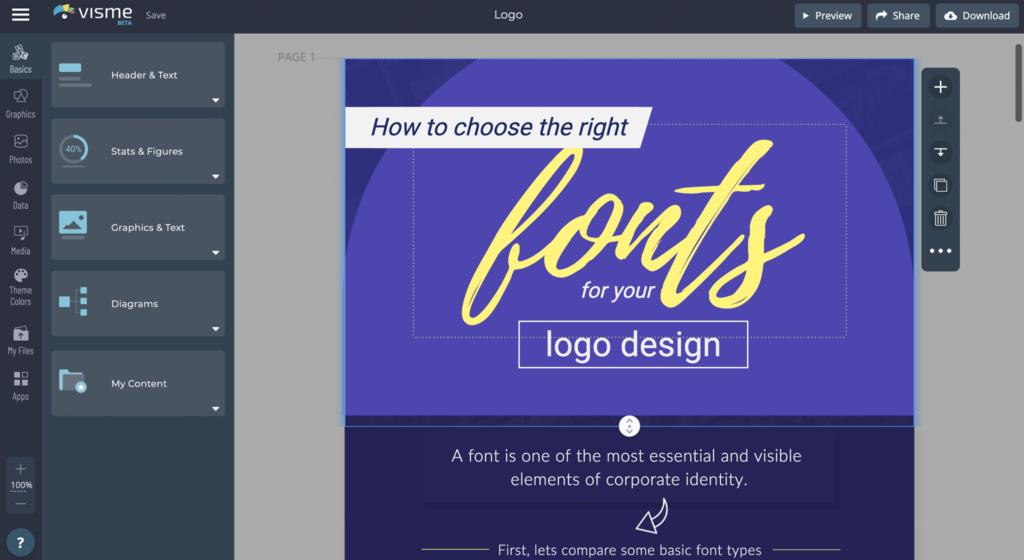
You can preview, share and download your project with 1 click. Share logo by link or share on Google. If you’re not ready for everyone to see it, you can share it privately. Download your photos as JPEG, PNG, and PDF.
3. Oberlo
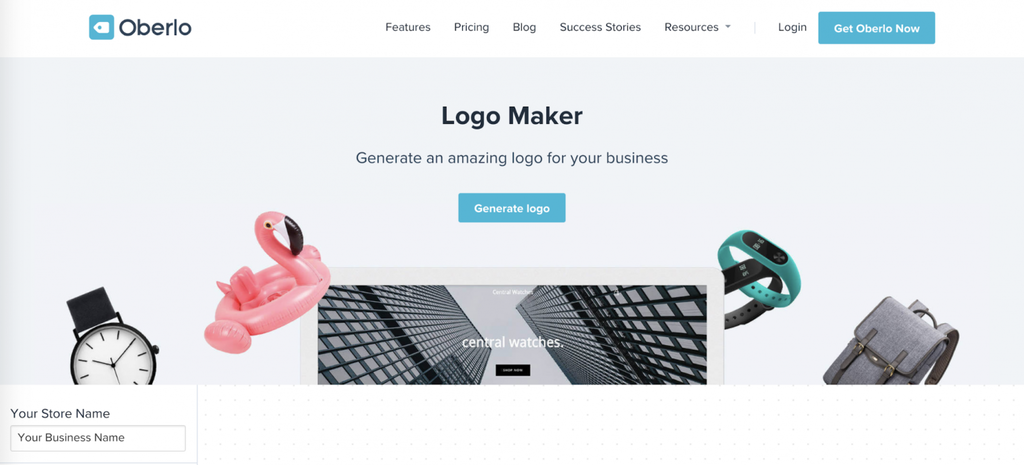
Oberlo is a dropshipping company but it also offers a few marketing tools like a business name generator and a profit margin calculator. It also helps you to design free logos online. And very easy to use.
When you click Generate Logo, the page will scroll down to show the custom item. There are many icons for you to choose from. You can also adjust the color, size and border of the icon.
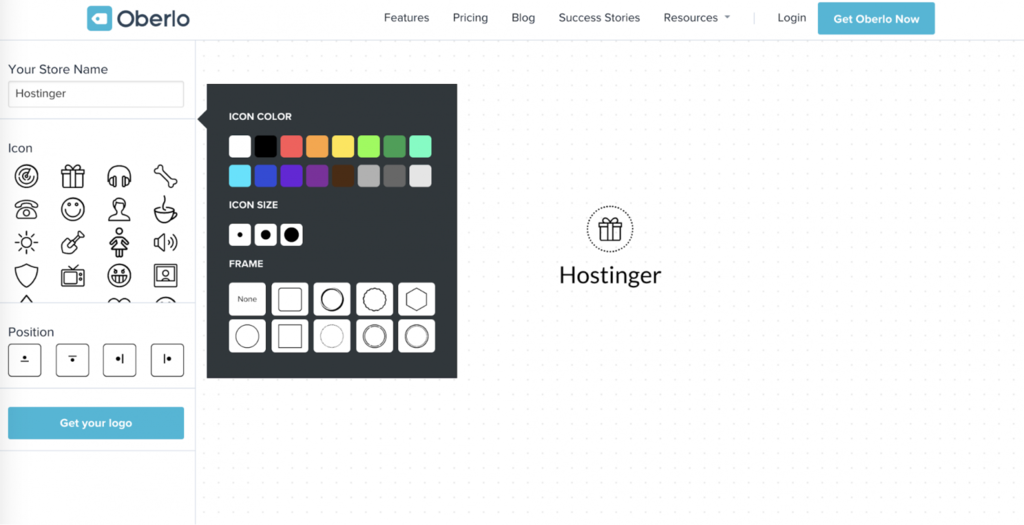
After designing the logo, click Get your logo. The page will ask you to enter your email address to receive the download link. The logo will be downloaded in PNG format – the perfect format if you need your logo online. Designing professional logos has never been so easy!
4. Canva
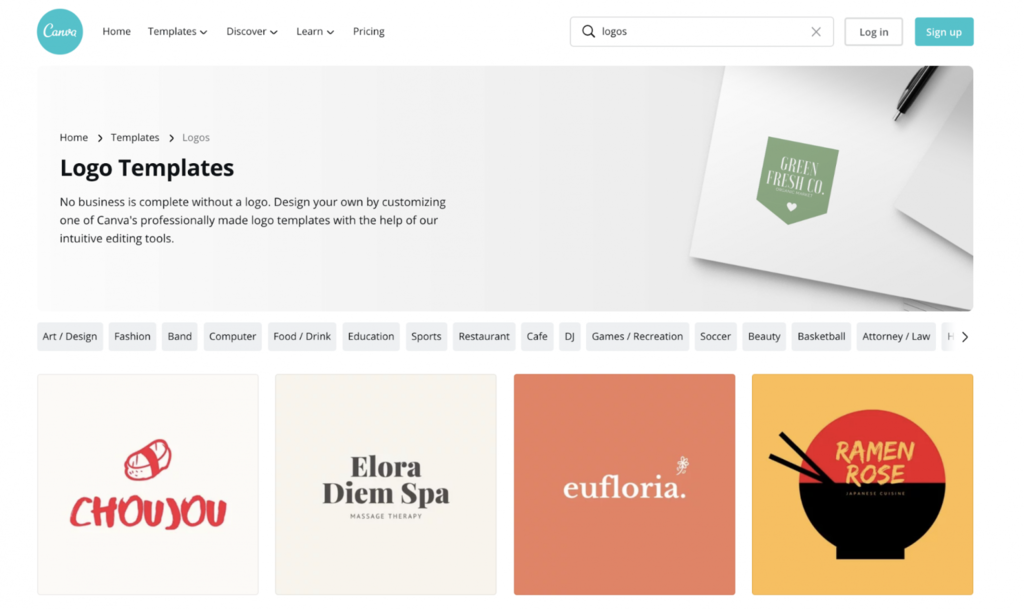
Canva has many professional templates for everything from resumes, social media posts to business cards, and more.
In particular, you can design a logo online easily using Canva. Just choose the logo template. From here, you can edit the logo, like change the background image, change the text, upload an image and more.
This Logo Maker is free but you need to create an account to use it. If you feel that the free plan is limited, you can choose the paid plan to choose from a variety of layouts and other things for design.
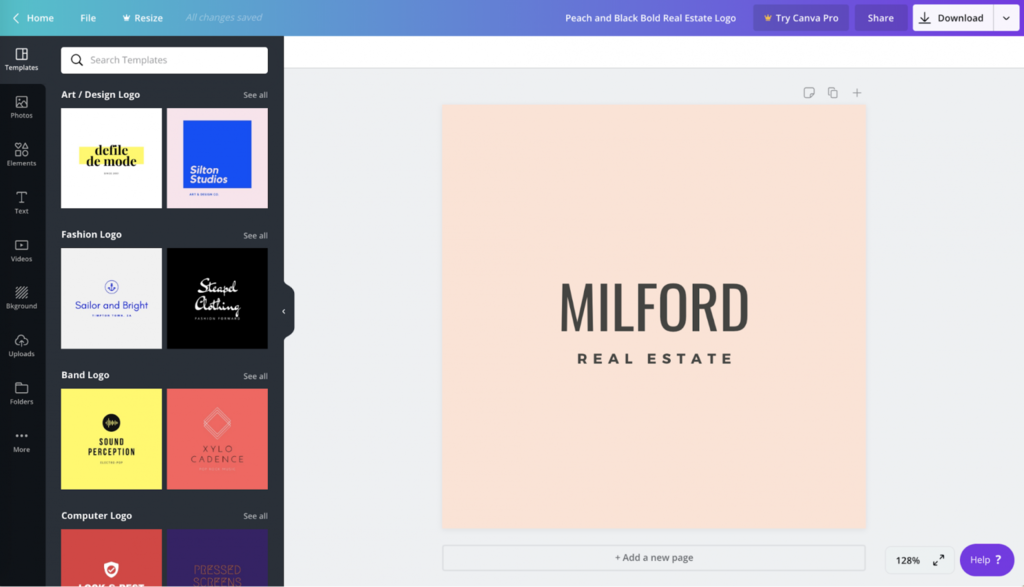
The logo you design will be automatically saved to your account so you can come back to it later. Just click All your designs on the left sidebar to review the templates. Finally, you can download the logo in PNG, JPG, and PDF formats.
5. FreeLogoDesign
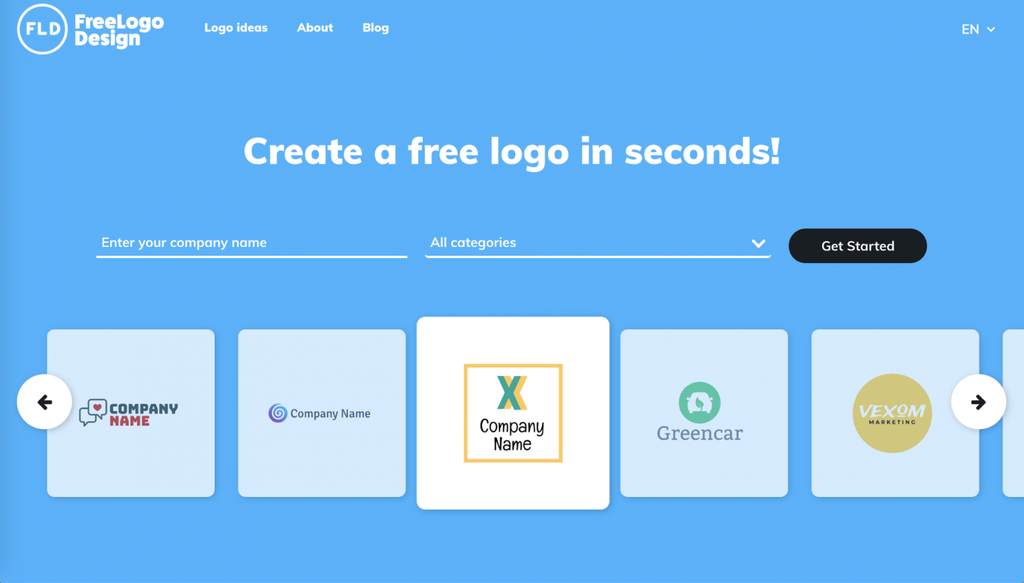
This free logo maker is simple to use, with over 1000 designs to choose from.
To get started, enter the company name and click the Get Started button. You will be asked to choose a logo design.
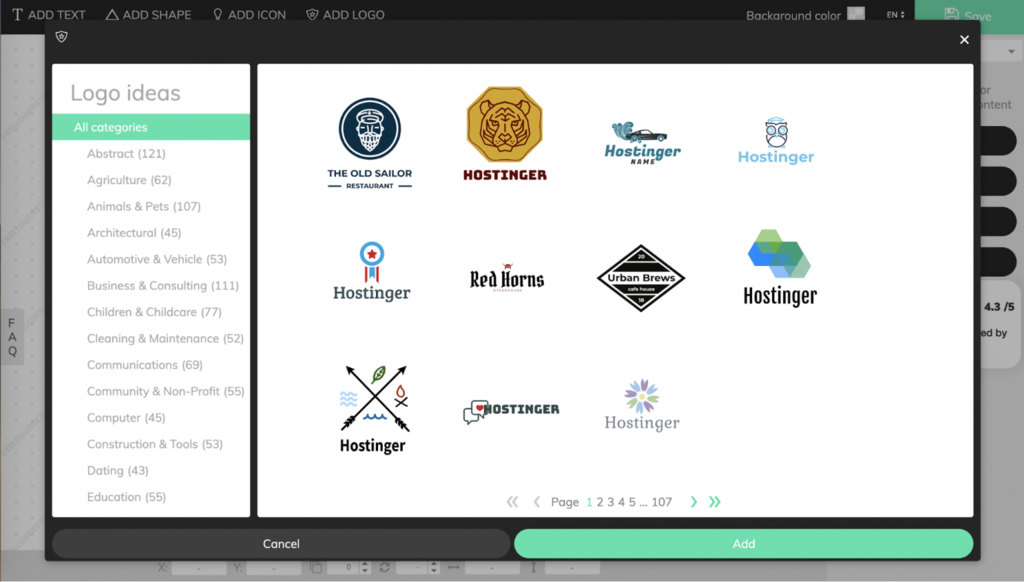
After choosing a logo you like, you can start designing your online logo directly by adding text, icons, or even another template logo. This logo maker also lets you mix and match with as many different designs as you like. This is one of the best ways to design a logo on a computer online.
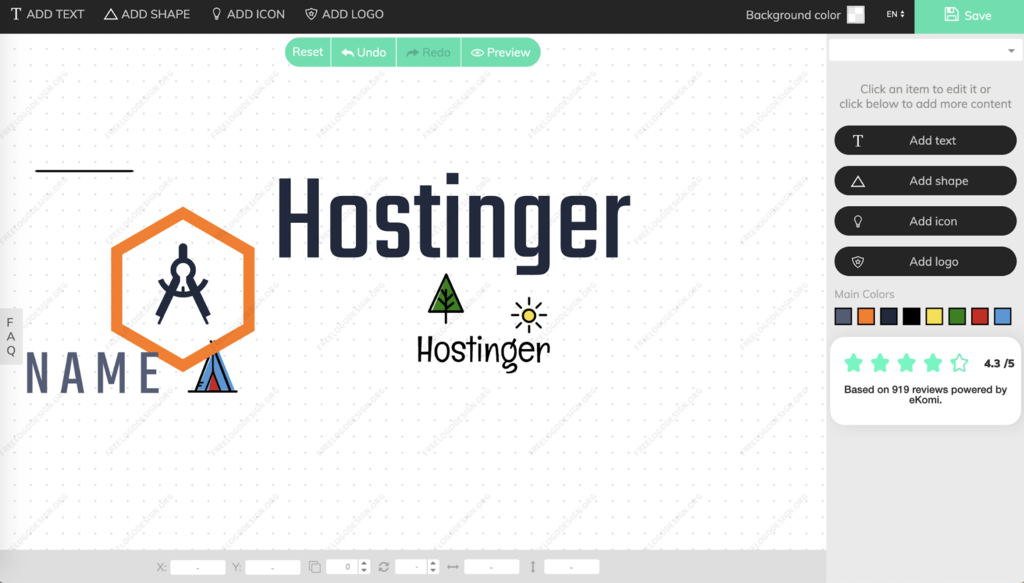
After clicking the Save button in the upper right corner, you will be taken to the logo resolution selection page.
The free version will let you download files of 200 x 200 pixels and the high-quality version of 5000 x 5000 pixels will cost $39. You get PNG and JPG files in addition to vector files in SVG format. However, if you only need a small logo, you don’t have to buy a high-resolution logo.
6. LogoMakr
When you open the LogoMakr page, you will automatically be redirected to the edit page. This logo maker has many basic tools that beginners can easily use. You can enter keywords about the logo you want to create in the search bar and choose the logo design you like.
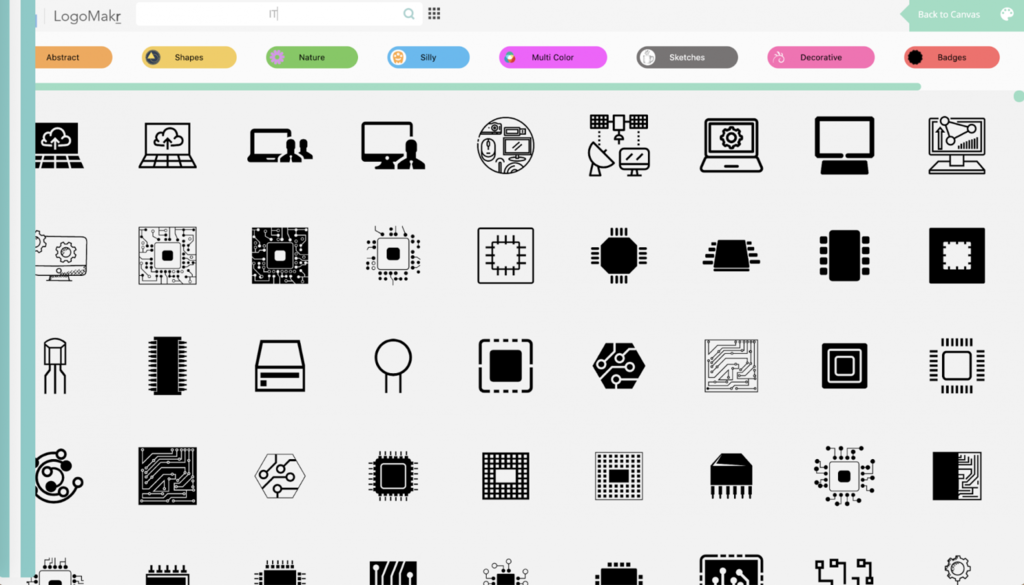
You can start designing your own logo with shapes, text and colors. When done, click the Save logo icon in the upper right corner. There is an option that lets you download high-resolution images for $19, in addition to vector files in PDF and SVG formats.
You can also download low-resolution logo designs for free.
7. DesignEvo
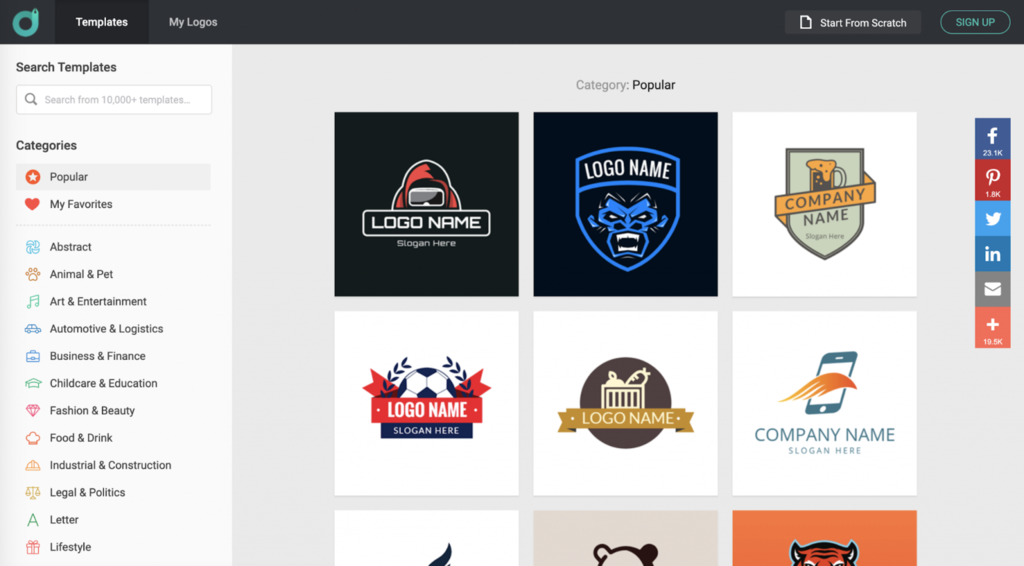
This logo maker design software has a lot of templates available for you to choose from. When you click on a template, you will be taken to the edit page and can design the logo however you like.
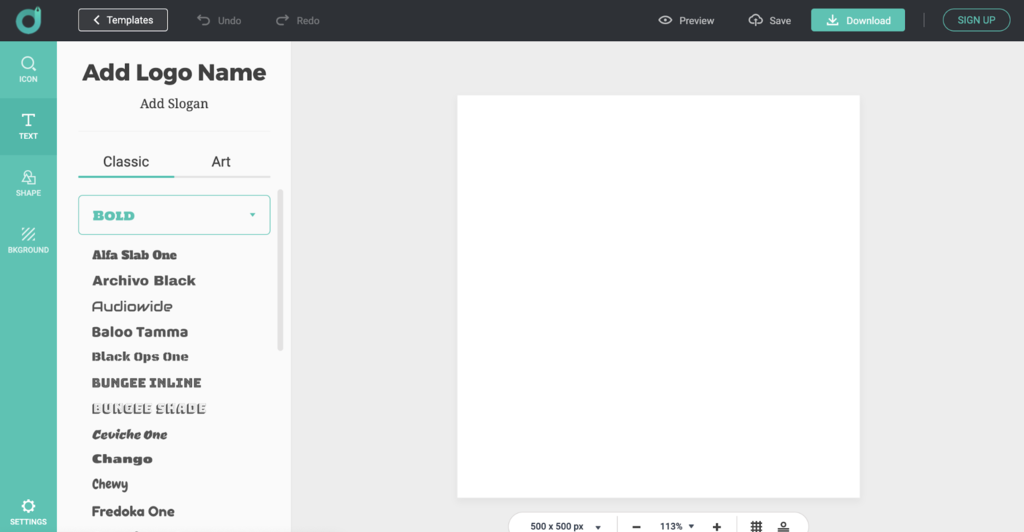
To download, you can click the Download button at the top right. You will be directed to a page where you can download a low or high-resolution logo. The high-resolution logo design costs $24.99 for the Basic plan and $49.99 for the Advanced plan.
In the Advanced plan, you not only get the transparent PNG file and lifetime support like the Basic plan, but you also get the vector file in SVG format and the copyright to the logo.
8. Namecheap
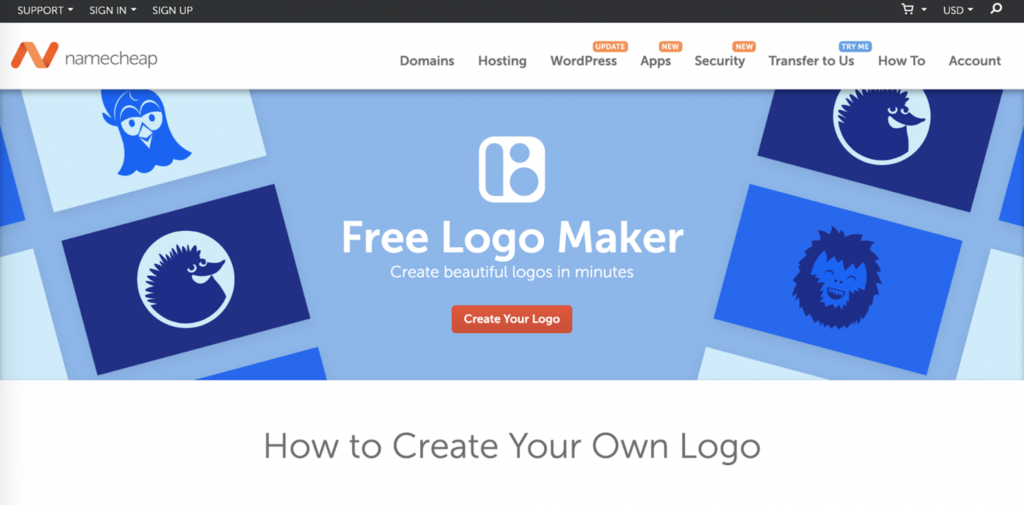
Namecheap is an extremely simple to use free logo maker. When you click Create Your Logo, you will answer a few questions regarding the font type of the logo, the icon you want, and the color scheme for it. Namecheap will create a logo according to the results received.
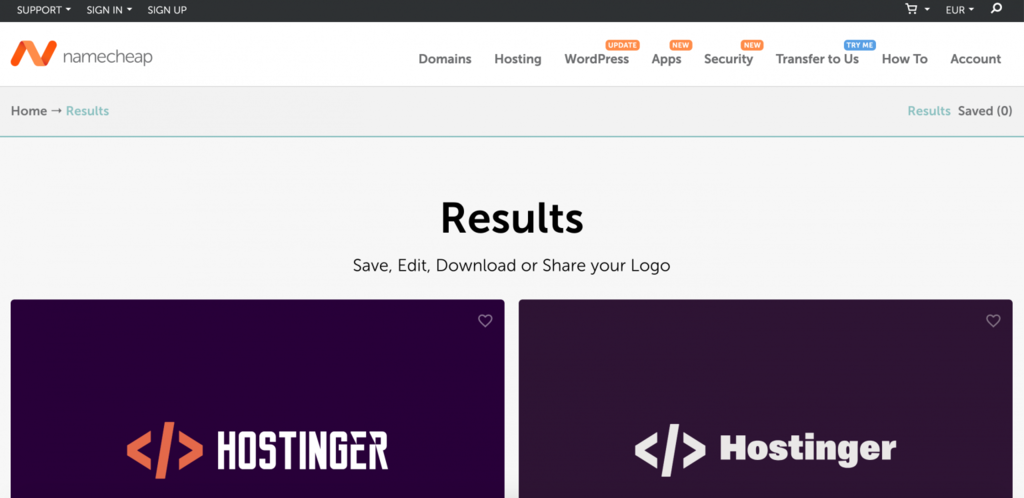
The great thing is that this logo maker allows you to download high-resolution images and vector files for free. You can use vector images to edit and align as desired.
How to design a beautiful online logo?
Everyone wants to design a perfect logo. It is very important to every brand. To be effective for the brand, a beautiful logo needs to be simple, not outdated and easy to remember. Don’t choose complicated designs. It’s important to be unique but still simple.
It will help customers remember your logo and stay deep in their minds. Also, make sure the logo is easily recognizable so people don’t confuse your brand with others.
Be faithful to your choice. Don’t change the logo too often as it will confuse you. Always make sure the logo you design matches your style. At the same time, your brand needs to be consistent across all communication channels.
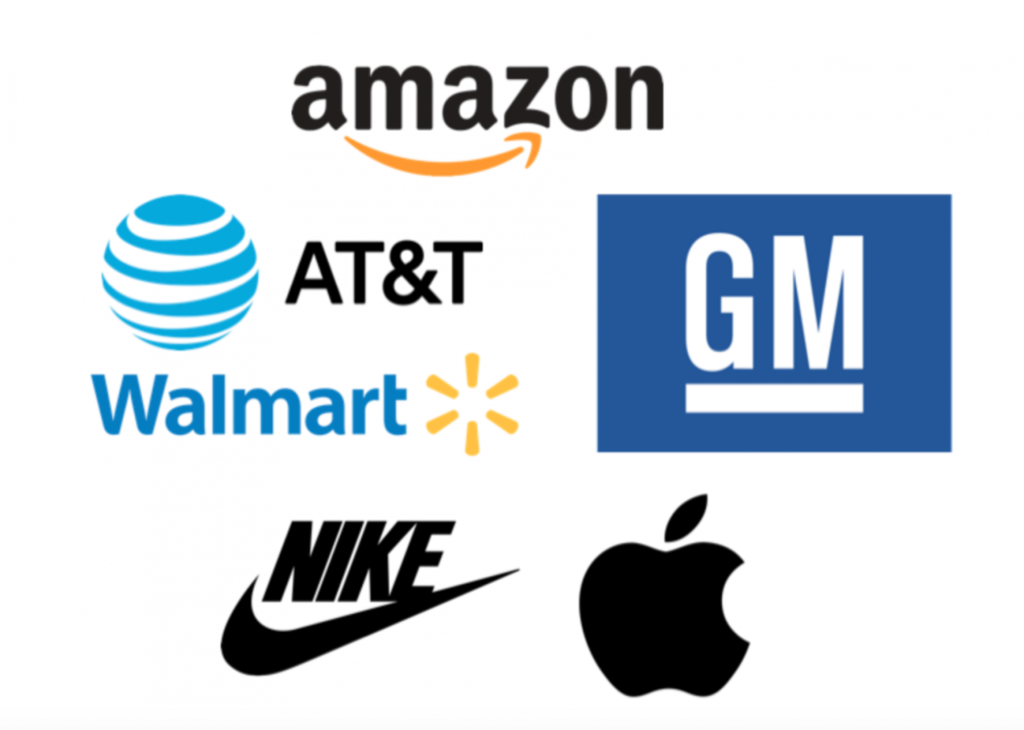
In addition, when designing a logo with a logo maker, if possible choose high-resolution images. It is useful to apply both online and offline. Apple, Amazon, Nike and other brands are good examples of properly designed logos. Those are all recognizable, timeless and simple logos.
Summary
If you want a professional logo design, all the free logo makers above are good choices. Not only are they easy to use, but these logo makers are also free.
Here are the 8 best free logo makers on the internet:
- Logo Maker by Zyro – simple and easy-to-use interface, suitable for beginners.
- Visme – and angular and easy logo maker
- Canva – contains thousands of professional logo designs for you to choose from.
- Oberlo – very simple logo design.
- FreeLogoDesign – very flexible but you have to purchase to get higher resolution logos.
- LogoMakr – very easy to use but higher resolution logos cost.
- DesignEvo — thousands of logo templates
- Namecheap – the only logo maker that allows downloading vector files for free.We hope this article can encourage you to design your own logo. Good luck!
If you are looking for a reputable and experienced place to design your logo, brand identity system and design your business’ branding strategy artistically and impressively, then contact us. Contact us immediately by phone number 0938 835 856, or leave your information and requirements, THE MONEST‘s consulting department will contact you right away to answer all your questions!
————————
THE MONEST
Website: www.themonest.vn
Fanpage: https://www.facebook.com/themonest.agency
Behance: https://www.behance.net/themonestagency
LinkedIn: https://www.linkedin.com/company/the-monest-agency/
Instagram: https://www.instagram.com/themonest.agency/
Hotline: 0938 835 856
#LogoTheMonest #CIPTheMonest #StationaryTheMonest #BrandIdentityTheMonest #Painting
#PaintingTheMonest #InstalationArtTheMonest #DieuKhacTheMonest #XayDungThuongHieu #TheMonestXayDungThuongHieu #ThietKeThuongHieu #TheMonestAgency #ClientTheMonest #HoihoaTheMonest #ArtTheMonest #BrandAgency #DesignAgency #TheMonestDesign #ThuongHieuVaDiSan #Branding #DesignAgency #PackagingDesign #HoiHoa #AdvertisingAgency #LogoDesign


