Common video editing mistakes often begin as unresolved communication decisions. A US brand team may ask for a faster film when the real problem is a missing explanation, or request more graphics when the key action is already hard to follow. Review the edit against the audience’s task before prescribing another transition or effect.

The ten checks below turn broad reactions into useful questions. They are a review framework, not a list of effects that every editor must avoid. A technique can work when its purpose and context are clear.
Common video editing mistakes: check the story first
1. Opening without a clear subject
If the audience cannot identify what the film is about, decorative shots may delay rather than build interest. Ask which early image or line establishes the relevant situation. Keep the opening connected with the answer the film will actually provide, rather than promising a different story to attract attention.
2. Removing a necessary condition
Shortening an interview can change its meaning when a qualification disappears. Review the complete claim and the supporting context. A smooth cut should preserve the speaker’s experience and the product’s actual conditions. Restore the relevant information or rewrite the explanation with an appropriate approval.
3. Cutting before an action makes sense
A fast sequence may show hands moving without revealing what they accomplish. Watch the demonstration without relying on private product knowledge. If an unfamiliar viewer cannot follow the action, use a clearer view, a different order or more time. Pace should serve the explanation rather than a fixed cutting rhythm.
4. Repeating the same information
Narration, a graphic and the picture can all say the same thing while leaving a useful question unanswered. Identify what each layer contributes. Remove repetition where it adds no value, and use the available space to clarify a condition, show evidence or allow the audience to absorb the action.
Check picture and sound as one experience
5. Choosing unrelated supporting footage
A polished cutaway can imply evidence that it does not provide. Check whether the pictured place, action or person belongs with the spoken statement. Use permitted illustration transparently when appropriate. Do not let a generic factory view appear to document a specific supplier or manufacturing claim without support.
6. Letting music hide important speech
Listen to the complete mix, including quieter words and transitions. Ask the sound specialist to assess a problem in context instead of assuming the solution is simply louder dialogue everywhere. The viewer needs to understand the message without a sudden change making the next section uncomfortable or unclear.
7. Ignoring continuity between views
Check product state, direction, hands and objects across a sequence. A mismatch can make an otherwise simple process confusing. Decide whether another take, an alternative view or a clearer transition resolves the problem. Avoid disguising an important factual difference merely to preserve a preferred shot.
Check graphics, access and the delivered version
8. Adding text without reading time
Watch titles and diagrams at the actual pace with the narration running. If reviewers only understand them after pausing, the sequence may need simplification or more time. Check the intended layout as well; a clear desktop preview does not settle how a small caption area will interact with other graphics.
9. Leaving captions behind the final edit
Compare the caption file or captioned version with the accepted speech and meaningful sound. A transcript from an earlier cut may no longer match. W3C’s media planning guidance helps teams assign accessibility work within production rather than treating it as an unspecified final addition.
10. Approving the wrong file
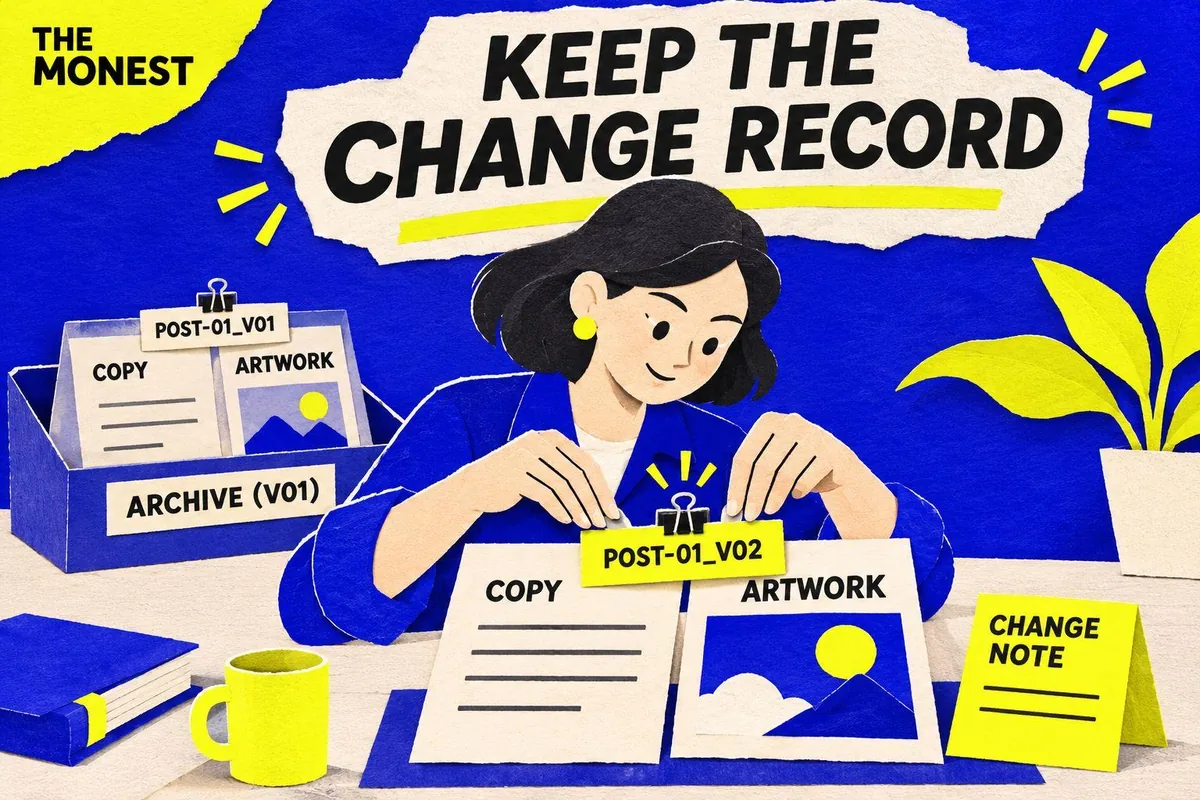
Check the revision, complete beginning and end, sound, text and intended output against the delivery manifest. A familiar filename does not prove it contains the latest accepted edit. Keep drafts distinct from final versions and make the storage responsibility clear to the publishing team.
Give a repairable note
For each concern, identify the time, the audience problem and its priority. Consolidate comments through one decision owner. Separate a factual correction from a stylistic preference, and ask the editor for a suitable response. That approach gives the team a reason for the change without turning every reviewer into a competing director.
Send your review questions and the film’s original objective through themonest.vn. THE MONEST can give free feedback on making edit notes clearer and more useful.
Related reading
- What Is Post Production in Video Editing? Roles Explained
- What Is B-Roll in Video Editing? Give Every Cutaway a Job
- Testimonial Video Questions to Ask Customers: Start Here