A Singapore online store commissions a day of photography and receives hundreds of attractive files. The team still cannot build a complete product page: one colour has no side view, packaging is missing, scale is unclear and the hero images use inconsistent crops. The shoot produced pictures, but not a usable image system.

Ecommerce product photography in Singapore should begin with the page, catalogue and campaign requirements—not with a generic request for “beautiful product shots”. A clear image set defines what each frame must prove, how variants stay consistent and where the files will be used.
Audit the selling journey before writing the shot list
Review the category page, product detail page, marketplace listing, advertising formats, email and social channels. Identify what customers need at each stage: recognition, comparison, detail, scale, use or reassurance.
A category thumbnail needs consistency. A product page needs evidence. A campaign image needs emotion. One photograph rarely performs all three jobs well.
Plan around Singapore production realities
For a Singapore shoot, clarify studio location, product delivery, building access, loading time, storage and whether the crew must work around retail or office hours. Compact spaces and tight schedules make a complete product list and an efficient setup order especially important.
If the range serves several Asian markets, decide which packaging language, power plug, product variant and cultural setting appears in the photographs. One Singapore production day can create regional assets, but only when the differences are listed before the camera is booked.
Define the core image set for every SKU
Create a mandatory sequence that every product receives. A common set includes front or primary angle, side, back, top, important detail, scale, packaging and one in-use frame. The exact list depends on the product.
Mandatory does not mean identical creativity; it means customers can compare products without missing essential views. Mark optional frames separately so the studio does not sacrifice core coverage for extra concepts.
Group products by visual production logic
Organise the shoot by lighting, size, surface, background and styling needs rather than only by catalogue order. Reflective cosmetics, textured packaging and fabric require different setups. Grouping reduces resets and makes output more consistent.
Still keep a checklist per SKU. Efficiency should not lead to one variant being forgotten.
Specify crops and safe zones before shooting
List aspect ratios, minimum dimensions and intended crop positions. A vertical social frame and a wide website banner need different negative space. If one master image will feed multiple crops, compose it with enough room around the product.
Keep labels, logos and important details away from crop edges. Test sample frames in the actual website template before the full day.
Control colour and scale
Customers use photographs to compare variants. Establish a colour reference and include a known scale where appropriate. Shoot variants under the same lighting and camera settings. Retouching should correct capture limitations without inventing a different material or finish.
For products where colour accuracy matters, agree on the review method and reference display. No screen can guarantee identical appearance for every customer, so product descriptions should support the image.
Show packaging as part of the brand experience
Packaging can communicate size, included items, gifting and authenticity. Add an unopened pack, open pack and contents frame when relevant. Keep the presentation truthful; do not show accessories that are not included without clear context.
If the package has important instructions or sustainability information, capture readable details for a supporting frame.
Use lifestyle images to answer a question
A lifestyle frame should demonstrate use, scale, audience or mood. Avoid props that merely fill space. For a skincare product, show application and texture; for a hospitality object, show its relationship to the table or room; for packaging, show opening and handling.
Each scene needs a written purpose. This helps art direction remain distinctive rather than falling into familiar AI-like beige sets and generic decorative objects.
Plan people, hands and rights
If models or hands appear, define representation, wardrobe, grooming, actions and framing. Arrange the required agreements and usage scope with appropriate professional review. Consider whether content will be used in paid media or different countries.
Use real gestures and plausible tasks. Overly posed hands make a product feel less trustworthy.
Write a production brief the studio can price
Include SKU count, variants, mandatory frames, optional scenes, locations, backgrounds, models, props, styling, retouching, file formats, naming, delivery schedule and usage. State who supplies products and who checks them on arrival.
A studio can only quote accurately when the scope is countable. “A full ecommerce shoot” means different things to different teams.
Build an on-set approval process
Approve lighting, crop and styling with a representative product before running the batch. Display captures at a useful size, compare them with the page template and record approved reference frames.
Assign one decision-maker. Conflicting real-time comments waste time and create inconsistent sets.
Manage products and variants carefully
Label physical products before the shoot, record defects and track which item appears in each frame. Clean surfaces and align labels. For food or perishable products, plan the order and replacement stock.
Variant names in filenames must match the ecommerce catalogue. A beautiful image assigned to the wrong SKU is an operational failure.
Define post-production and file delivery
Agree on retouching level, background treatment, shadows, colour matching and what must not be altered. Request master files and channel exports with a naming convention. Include alt-text notes or image descriptions where the content team needs them.
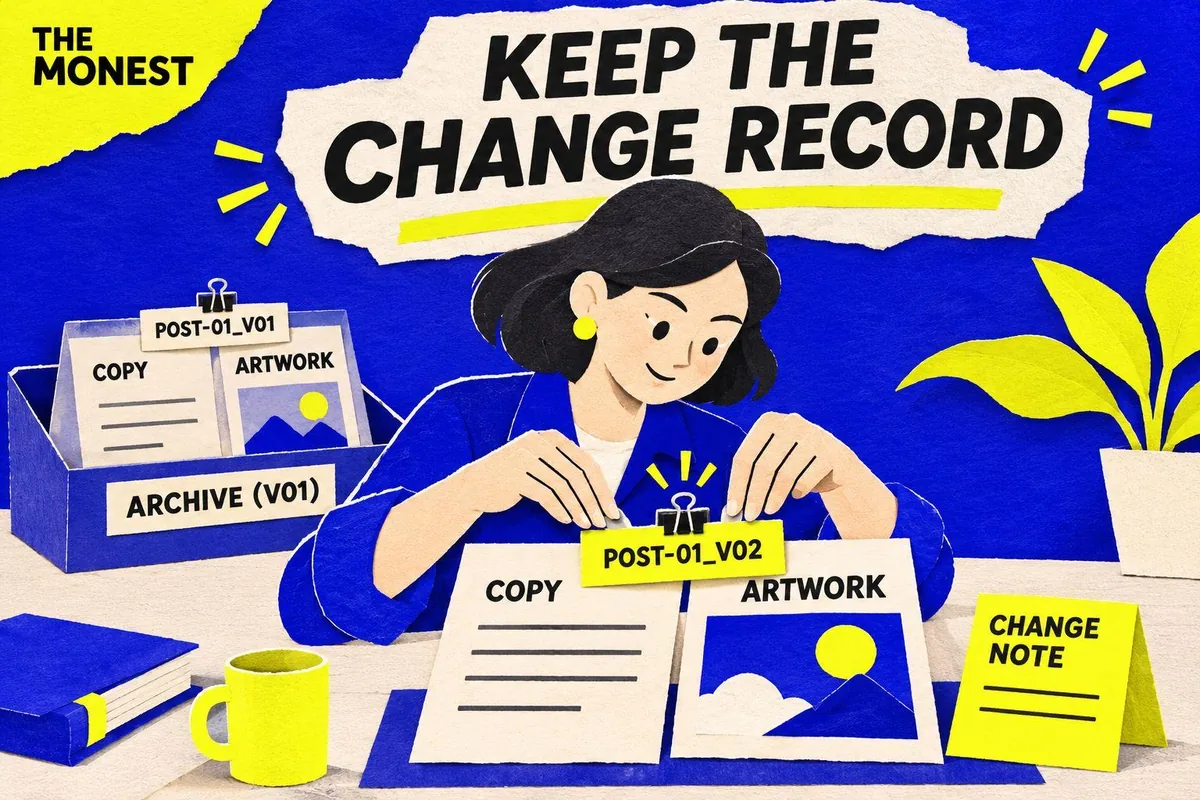
Keep a contact sheet so teams can see the complete set without opening every file. Preserve version history when revisions are made.
Quality-control the set, not isolated favourites
- Does every SKU have the mandatory sequence?
- Are crops and product scale consistent?
- Do colours and materials remain believable?
- Are labels, lids and edges aligned?
- Can the website display all required ratios without cutting the product?
- Are packaging, included items and use shown accurately?
- Do filenames map to the catalogue?
Common mistakes
- Booking a day before counting deliverables.
- Prioritising campaign images over missing core views.
- Leaving crops to chance.
- Using different lighting for comparable variants.
- Showing props or accessories that create ambiguity.
- Failing to approve a reference frame before the batch.
- Delivering files without a catalogue-ready naming system.
How THE MONEST builds product image systems
THE MONEST connects brand strategy, packaging, art direction and production planning. The goal is a coherent image system that helps customers understand the product and gives marketing teams reusable assets. Explore THE MONEST projects for examples of brands expressed across identity, packaging and communication.
Conclusion
Ecommerce product photography in Singapore becomes valuable when the deliverable is a complete, consistent image set. Audit the selling journey, define mandatory frames, plan crops and variants, approve a reference and quality-check the full catalogue. A well-briefed shoot does more than create attractive pictures; it builds a visual sales tool.
THE MONEST — BRAND AND HERITAGE CO., LTD
Head office: 35 Street No. 7, Phu My Residential Area, Tan My Ward, Ho Chi Minh City, Vietnam
Hotline: 093 8835 856
Website: https://themonest.vn/
Project enquiry: Contact THE MONEST