What is B-roll in video editing? The term B-roll generally describes supporting footage used alongside the main action or interview. For an Australian brand team, it might show a shop entrance while the owner introduces the location, or hands preparing an item while the owner explains the process. The important question is what that additional view helps the audience understand.

B-roll should have a role in the story. A collection of attractive objects can still leave a viewer uncertain about the offer. Plan the material around the message rather than assuming any polished cutaway will improve the explanation.
What is B-roll in video editing used to explain?
Adobe’s B-roll guide describes supporting footage that establishes a scene, adds meaning or helps connect an edit. In a brand interview, that can give the audience context while the speaker continues. The voice provides one part of the explanation and the additional picture provides another.
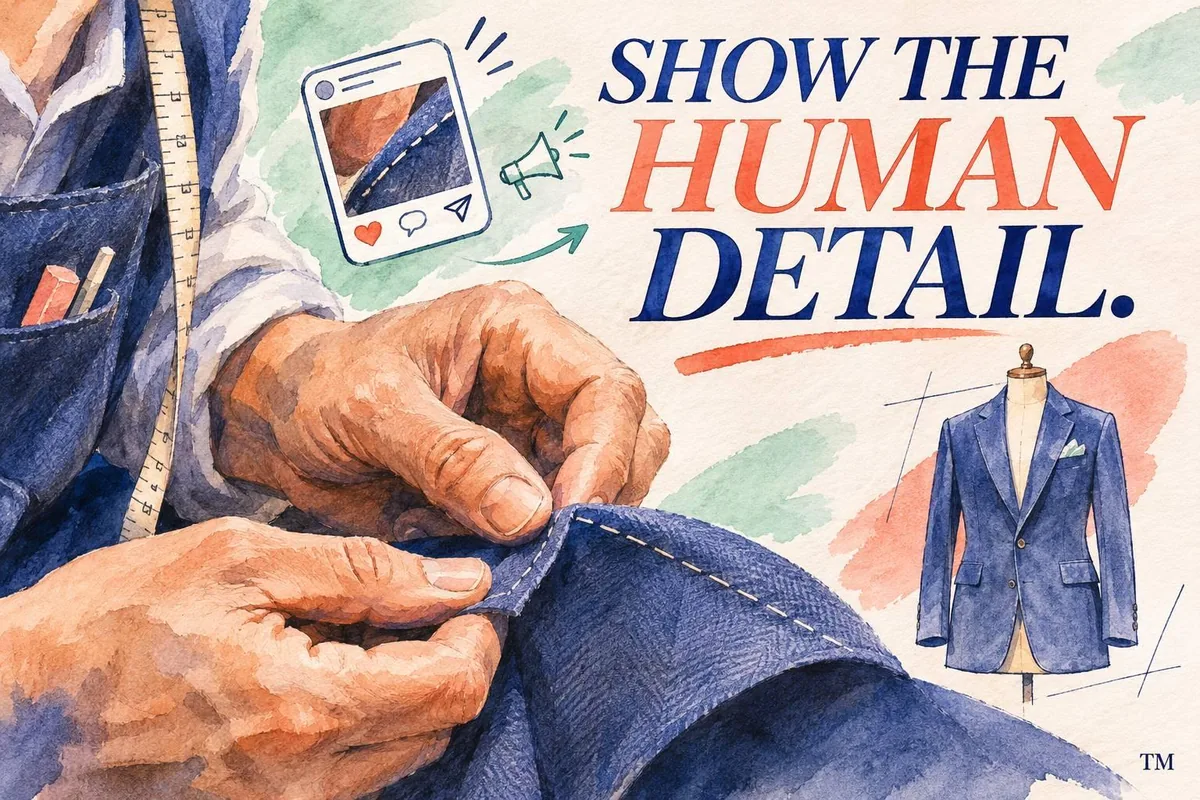
Imagine a fictional Australian homewares shop. The owner discusses the attention given to its physical setting. A view of the entrance, materials and prepared display can make the statement more specific. The image illustrating this article is an AI-generated location concept, not recorded footage or evidence about a real shop.
Choose the cutaway’s job before its appearance
A useful cutaway can establish where something happens, clarify an action, reveal a product detail or connect two moments. Name that function in the shot list. “Show the doorway so the viewer understands the entrance” gives the crew a reason for the view. “Get something beautiful” leaves the communication purpose unresolved.
Ask whether the planned picture belongs with the spoken words. A close-up of decorative packaging does not prove a claim about how an order is made. A generic busy office does not establish a particular team’s working practice. Keep the relationship honest, and use clearly identified illustration when the material is conceptual.
Plan coverage around the actual interview
Before filming, identify the likely subjects of the conversation and the actions available to show. After the interview, review whether a useful new detail needs additional coverage. The plan should accommodate real answers without manufacturing events to fit a predetermined praise line. A participant’s explanation can guide the next relevant visual question.
For the fictional shop, useful views might include arriving at the door, arranging an actual object and examining a material sample. Capture enough of each action to give the editor choices about its beginning and end. The required duration comes from the scene and edit, rather than a universal rule that every cutaway lasts the same number of seconds.
Keep continuity and sound in the brief
If a process is shown across several views, keep the object, working state and movement consistent. A hand should not place an unopened box down in one shot and pick up a different opened box in the next without a clear reason. Record relevant details so a later close view can still belong to the same sequence.
Consider meaningful action sound and the atmosphere of the location. B-roll is often discussed as picture coverage, but the sound associated with a scene may help explain it. Ask the producer what needs to be recorded and retained. Do not assume music should replace every sound that makes the setting understandable.
Use the edit without changing the speaker’s meaning
Supporting footage can help an editor shorten a pause or move between relevant statements. That flexibility does not justify removing a condition that changes the claim. Review the complete sentence and its visual context. A smooth transition is only successful when the resulting explanation remains accurate.
Check permissions and source records for any archive, stock or third-party material. A relevant-looking clip is not automatically available for every commercial use. Keep the accepted asset and its usage information connected with the project so later versions do not inherit unclear assumptions about where a picture came from.
Review the coverage before the opportunity passes
Compare the captured material with the important points in the story. Identify an unexplained action or missing location view while the team can still discuss a remedy. More files are not necessarily better coverage; the useful test is whether the editor has the material needed to explain the intended message.
Send your interview themes and proposed cutaways through themonest.vn. THE MONEST can give free feedback on assigning each supporting shot a clear role in the brand story.
Related reading
- How to Film an Interview with One Camera: Five Mistakes
- What Is a Shot List in Video Production? A Practical Guide
- Common Video Editing Mistakes: Ten Useful Repairs